Review: Welcome to the ultimate Bussid HD Livery Pack. If you are tired of using the same old blurry skins, we have collected the top 5 High-Definition (Jernih) liveries for 2026.
These skins are designed for SHD (Super High Deck) buses like the Srikandi and Jetbus 3+. Whether you want a “Full Strobe” night bus or a “Street Racing” look, this pack has it all.
Livery Pack Features:
- Resolution: Ultra HD (4K Quality) – No blur.
- Styles: Racing, Gangster, Night Neon, and Official STJ.
- Size: Lightweight (Under 2MB each).
1. VR46 Racing Livery
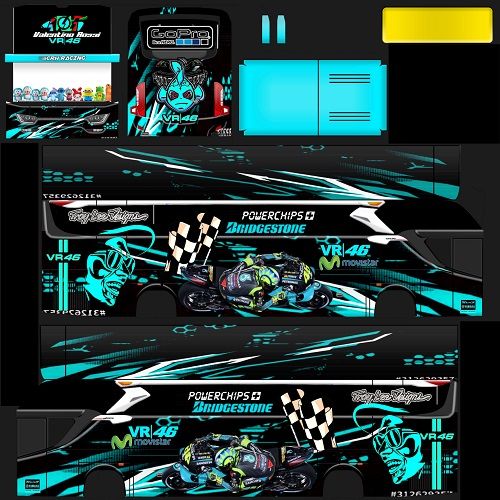
VR46 Racing Livery Bussid Blue Black2. Bejeu Black Luxury Livery
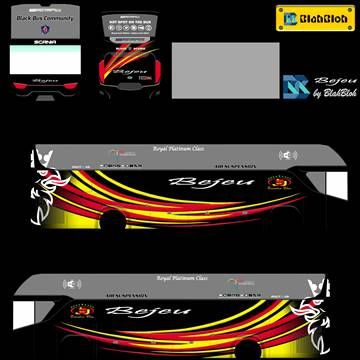
3. Money Heist Gangster Livery
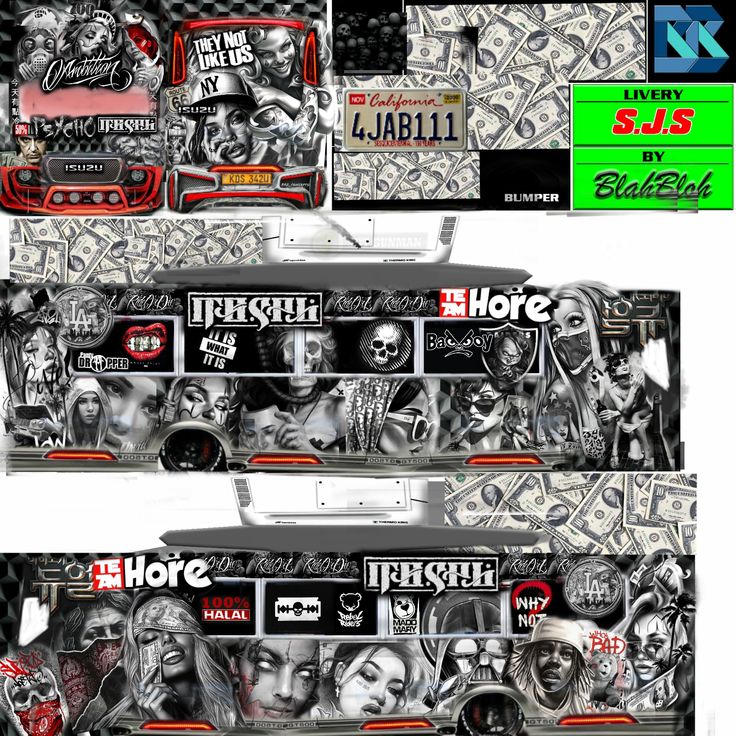
4. Full Strobe Neon Livery
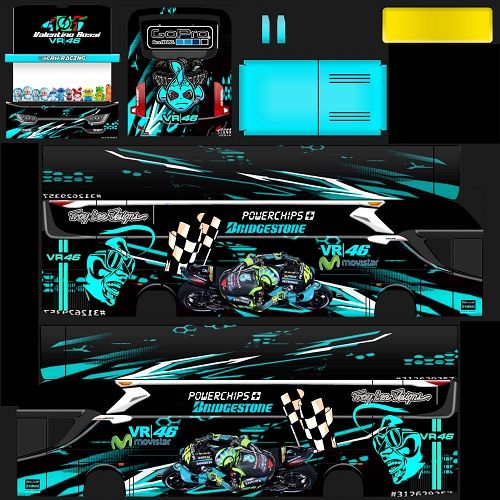
5. Sudiro Tungga Jaya (STJ)
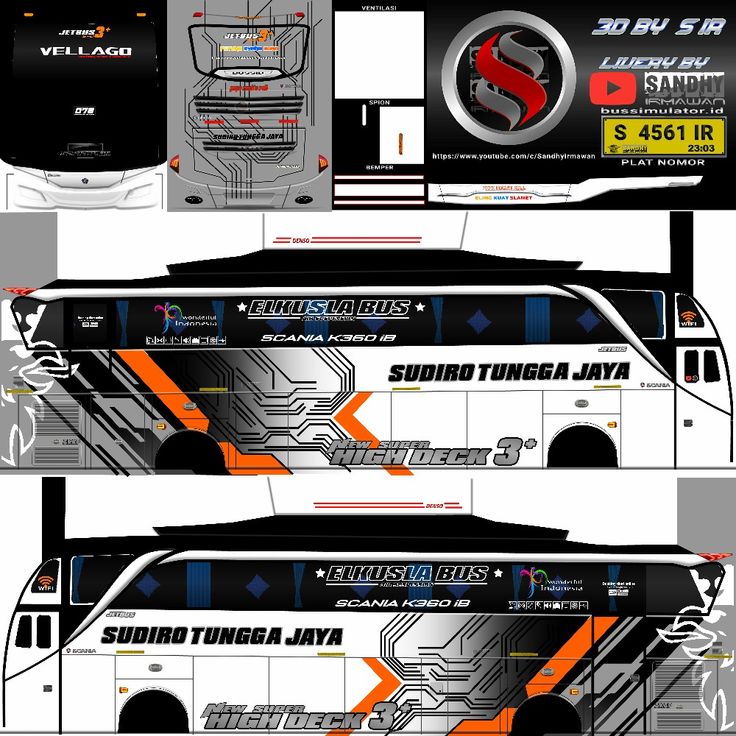
How to Download & Apply These Skins
- Download: Long-press the image you want above and select “Save Image” (or “Download Image”) to your gallery.
- Open Game: Go to Bus Simulator Indonesia > Garage.
- Select Bus: Choose your Srikandi SHD or Jetbus 3+ SHD.
- Paint: Click the Palette (Paint) icon at the top.
- Import: Click Browse Livery > Device Gallery.
- Apply: Select the HD image you just saved and click Apply.
Tip: Always check “High Resolution” in the game settings to ensure the text stays sharp!
Why Download This Bussid HD Livery Pack?
Many players struggle to find high-quality skins. Often, when you download a Bussid HD Livery from Facebook or random sites, it turns out to be blurry or pixelated. This causes your bus to look “low resolution” in the game.
Our pack is different. We have tested every single Bussid HD Livery in this collection to ensure it looks sharp on the Srikandi SHD, Jetbus 3+, and XHD models. Whether you are driving in the “Sumatra Map” or doing a “Mabar” (Multiplayer) convoy, these skins will make your bus stand out.
Pro Tips for applying your Bussid HD Livery
1. Use High-Res Mode: Even if you download the best Bussid HD Livery, it will look bad if your game settings are wrong.
- Go to Settings > Visual.
- Set “Texture Quality” to High.
- This ensures the text on the bus (like “Rosalia Indah” or “STJ”) is readable.
2. The “Dirty” Effect: Did you know you can make your Bussid HD Livery look dirty and realistic? After applying the skin, drive through the “Muddy Road” in the Kalimantan Map. The mud will splash onto your clean livery, giving it a realistic “Off-Road” look.
3. Mixing with 3D Mods: These skins work best when combined with “Full Strobe” accessories. If you attach a “Kodename Strobe” mod to your bus, the neon lights will reflect beautifully off the dark paint of the Racing Liveryincluded in this pack.The game is developed by Maleo
Frequently Asked Questions (FAQ)
Is this Bussid HD Livery pack free? Yes, every skin in this collection is 100% free to use. We do not put passwords on our files.
Can I edit these liveries? Most of these are “Free to Edit.” You can use an app like PicsArt or PixelLab to add your own name or stickers to the Bussid HD Livery before importing it into the game.
Do these work on the Jetbus 5 (JB5)? No, these specific skins are designed for the Srikandi SHD and Jetbus 3+. If you try to use them on a JB5, the alignment will be wrong. Please check our “Jetbus 5 Category” for specific JB5 skins.